

5·
1 year agoIts fwupd which does the firmware updates , gnome software access it for updates . The cli version is fwupdmgr.
Its fwupd which does the firmware updates , gnome software access it for updates . The cli version is fwupdmgr.
Tried that as well but that as well uses usb boot so that is also net detecting
How do you reset the firmware ?
Factory defaults tried that
Power through usb and the same on battery
Same I have already given up on it as well
I have completed the windows setup with the usual 3 partition and I used Ubuntu as well but booting is not the problem, the bios just doesn’t seem to pick up the pendrive
Tried that as well no luck
The only other option is diagnostics that also doesnt work
It’s gpt due to the disk management, I went with it.
I just got it this monday
The usb port is working fine for normal transfers . The bios just doesn’t wanna pick it . I tried with a friends hp laptop it works fine on his.
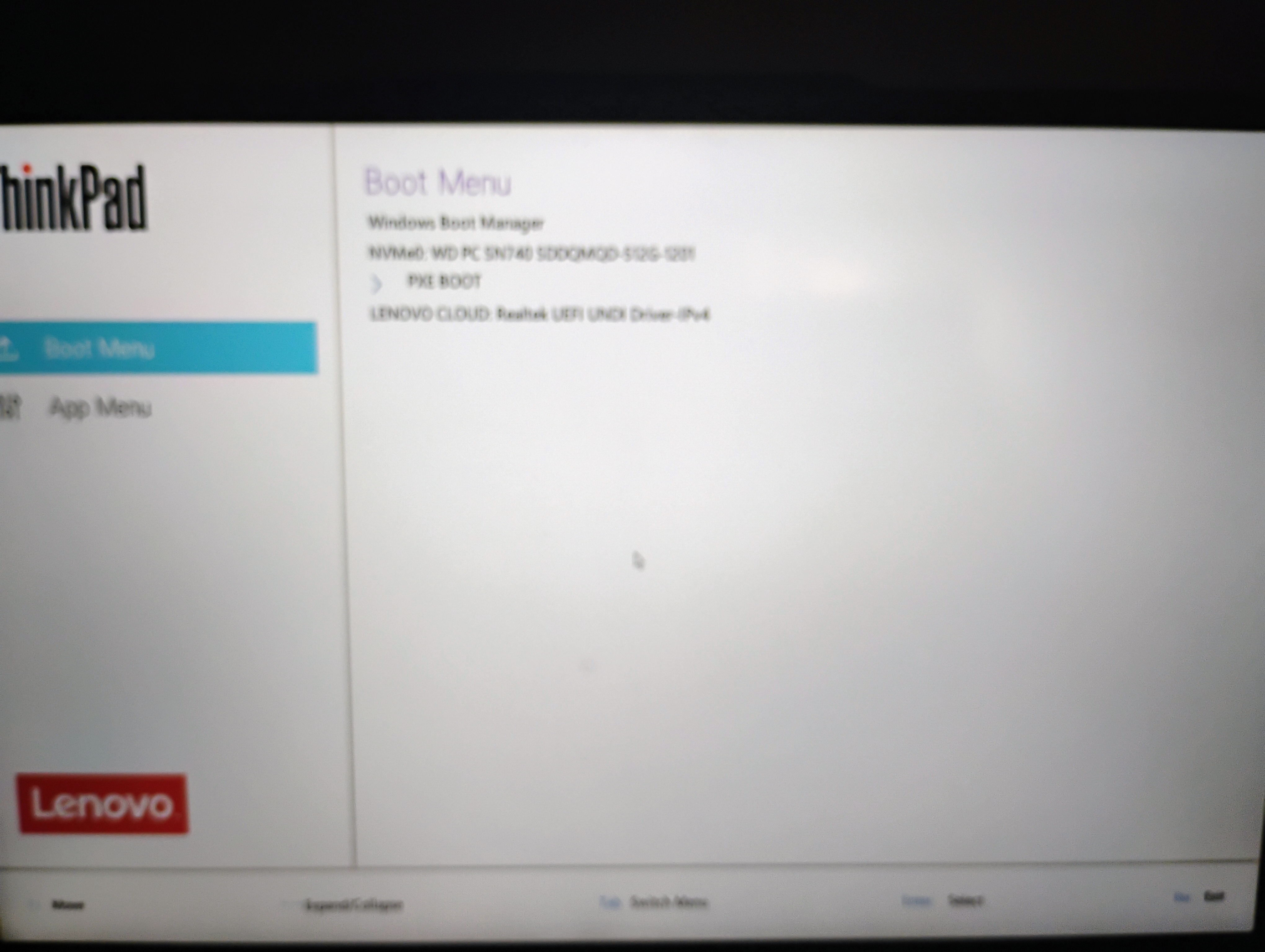
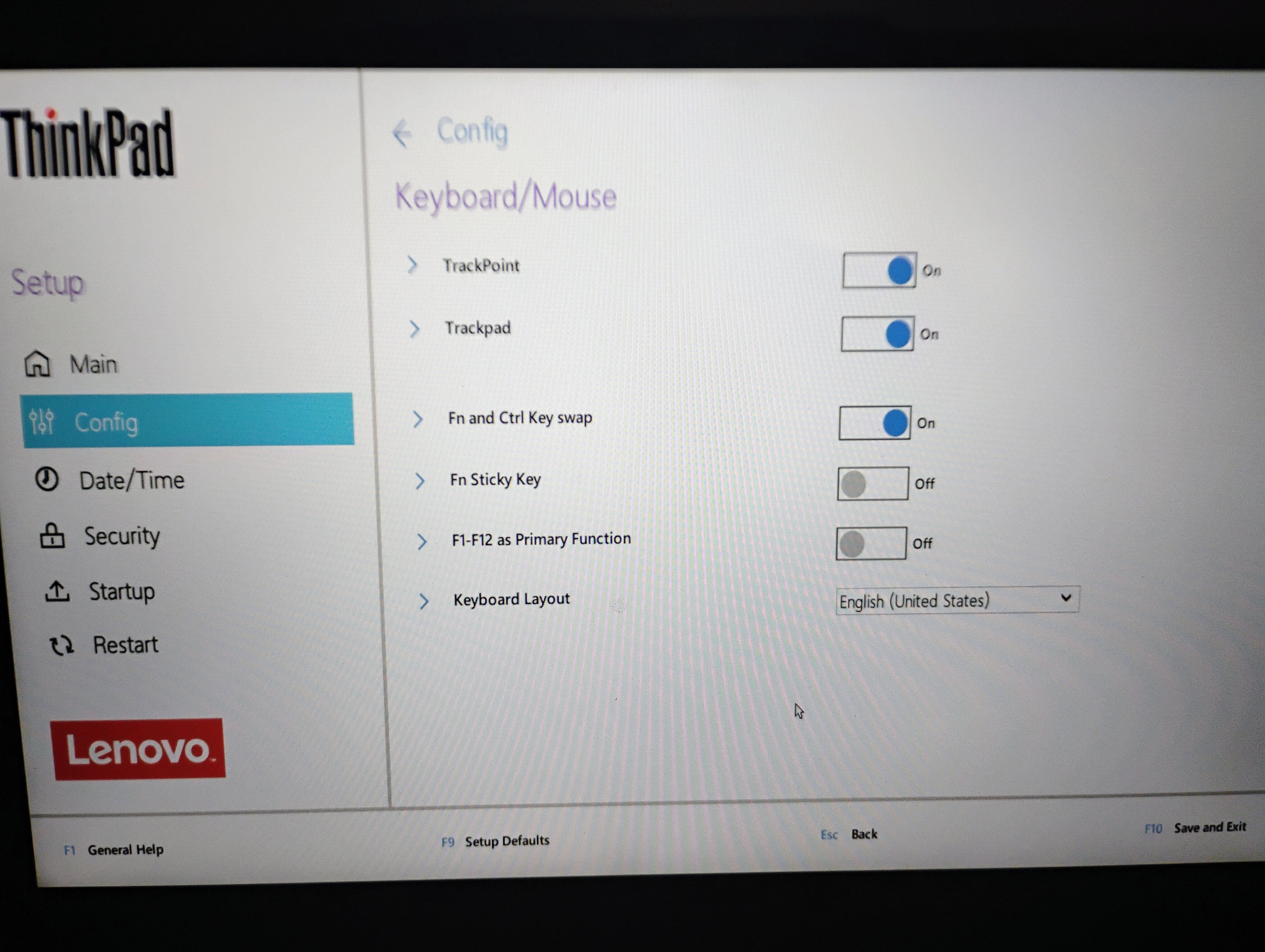
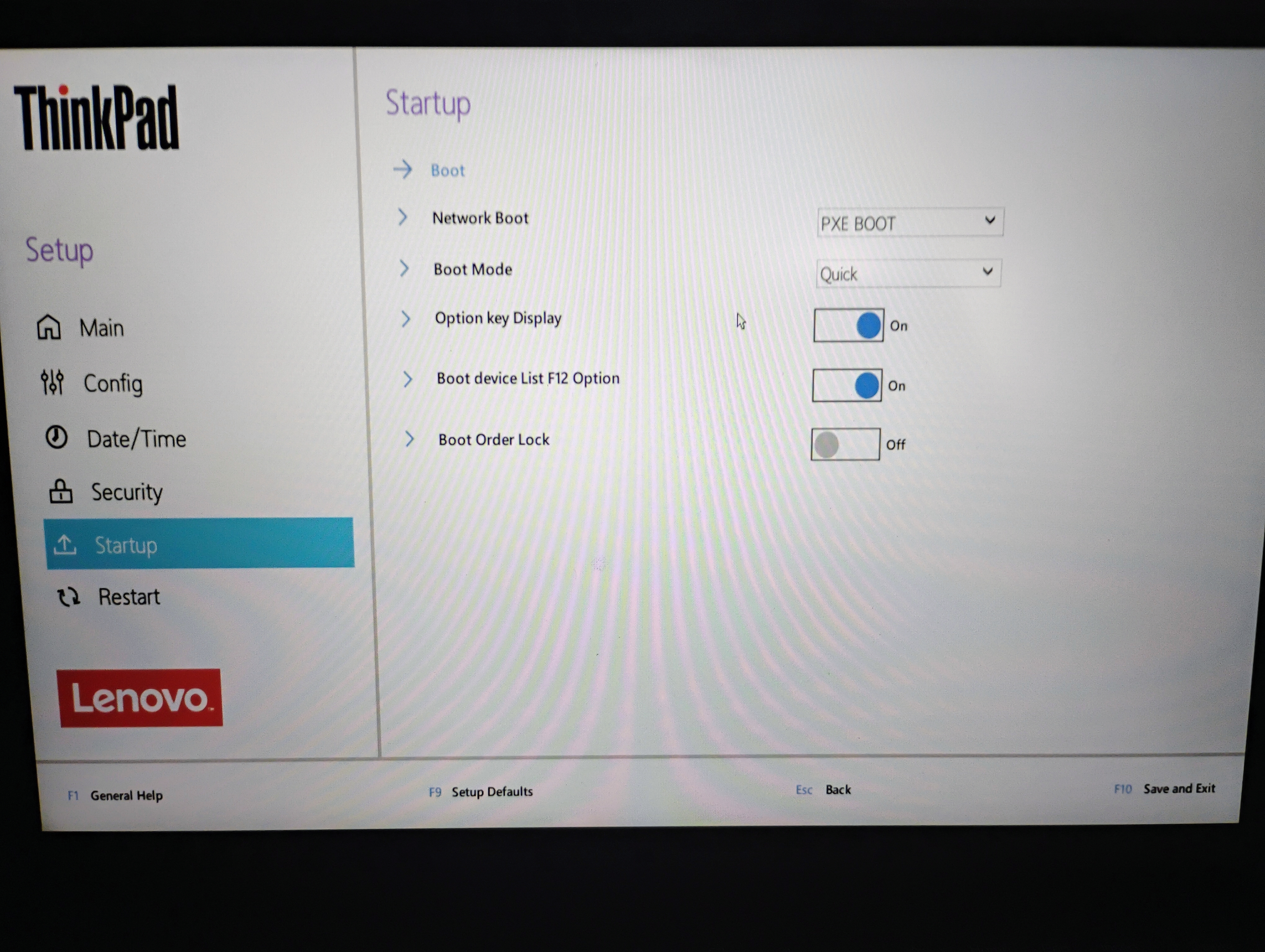
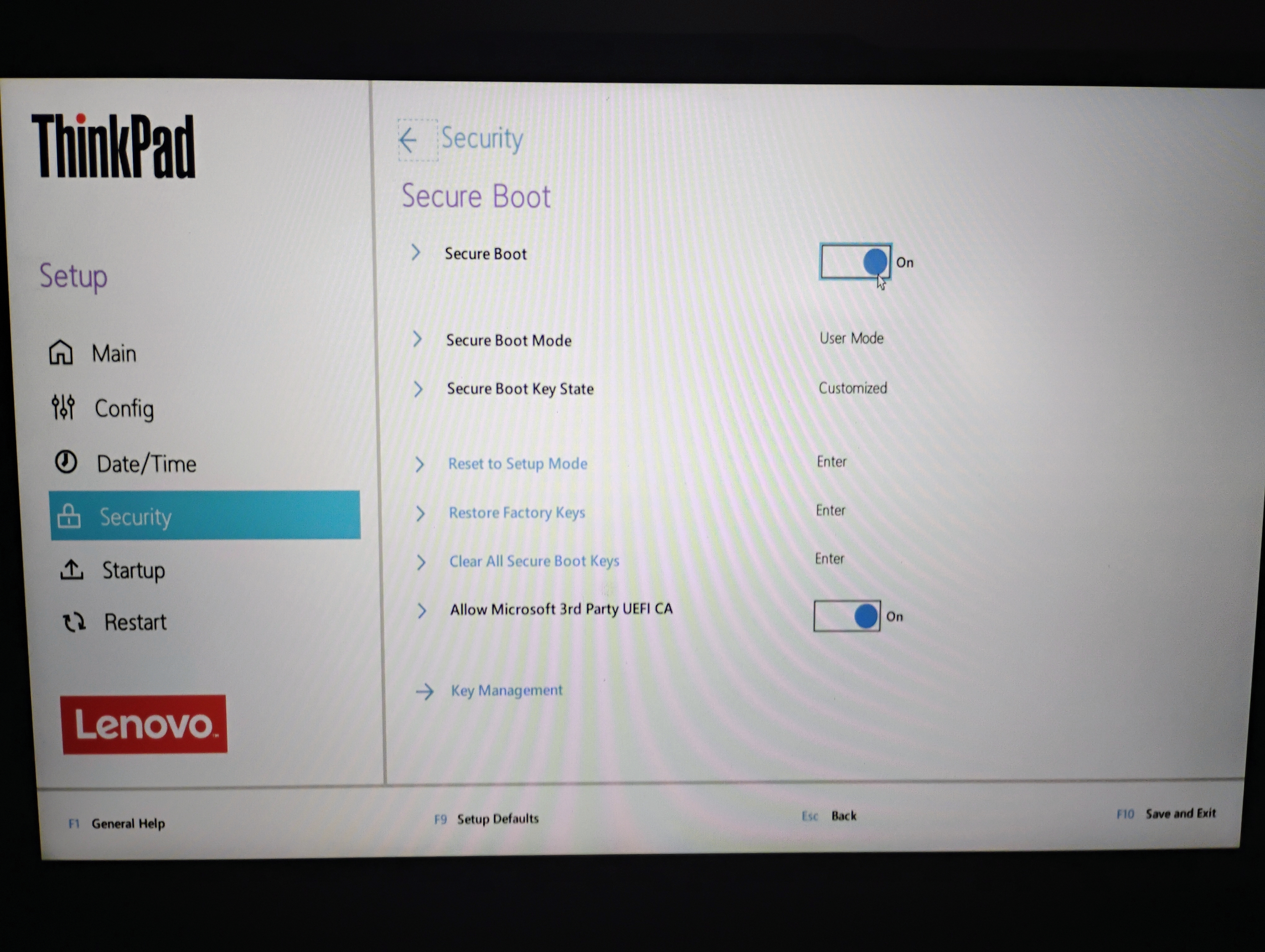
i enabled it to the boot order but the laptop is not picking it up
This what occurs
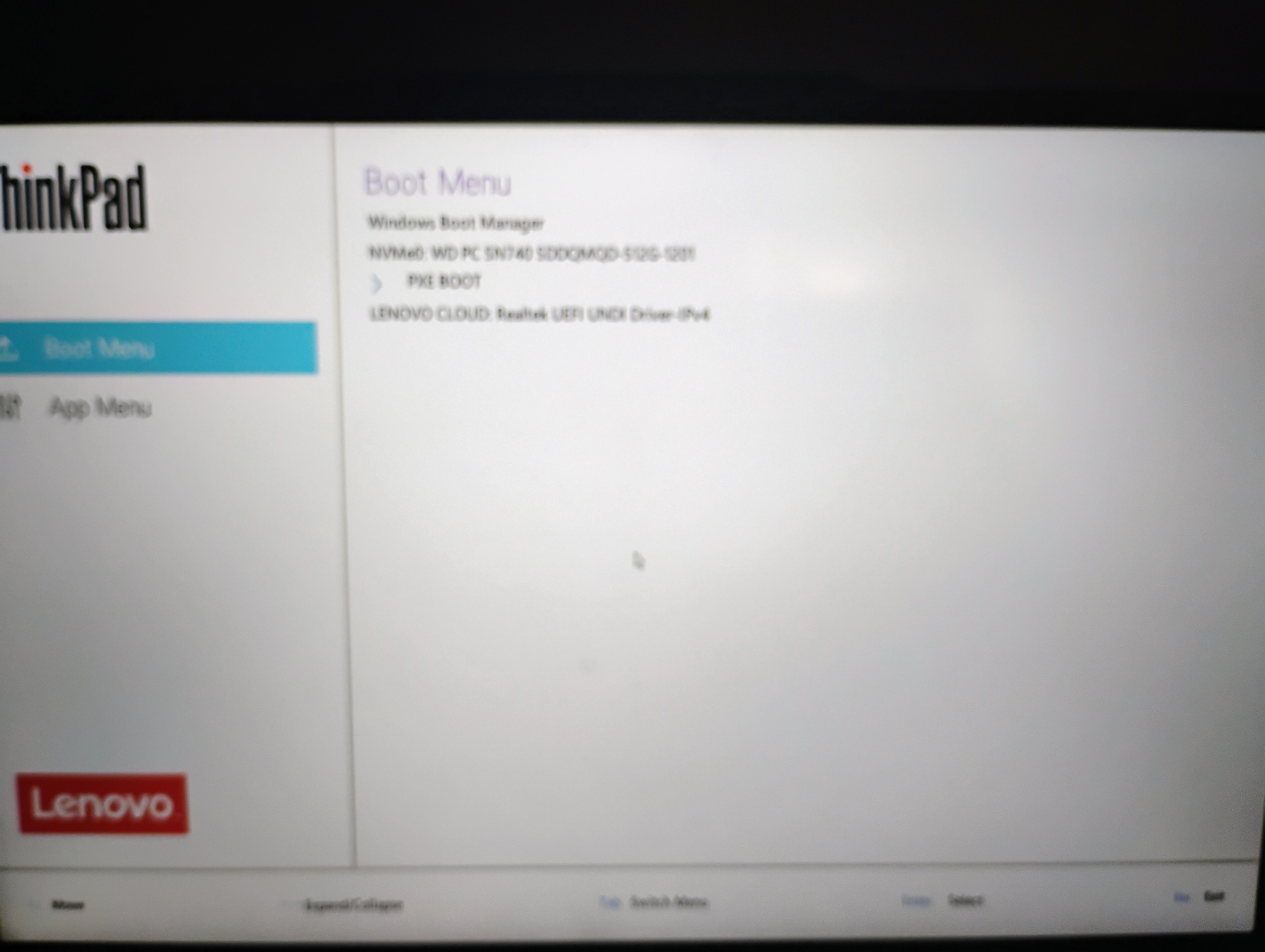
No options for csm , no usb initialisation as well
I can see the windows boot manager, the nvme sdd and pxe boot thats it
Tried with a SanDisk and that also doesnt work
Tried right now with a SanDisk with just Ubuntu using Rufus but that also does not show up
Thunderbird is the usual recommendation for an email client. So try that